QuickMute
Mutes the app you're using with a single shortcut. Voice chat, music and everything else keep playing. Press it again to bring the sound back.
Download-
Free, no adsFree for everyone. No account, no tracking.
-
Your own shortcutRebind it to whatever keys suit you.
-
Works with multi-process appsChrome and other browsers are muted as one app.
-
Lightweight1.3 MB, low RAM use. Does nothing while idle.
-
Easy to installNo admin rights. Updates in one click.
-
Designed with gaming in mindAnti-cheat friendly. No keyboard hooks, so no input lag.
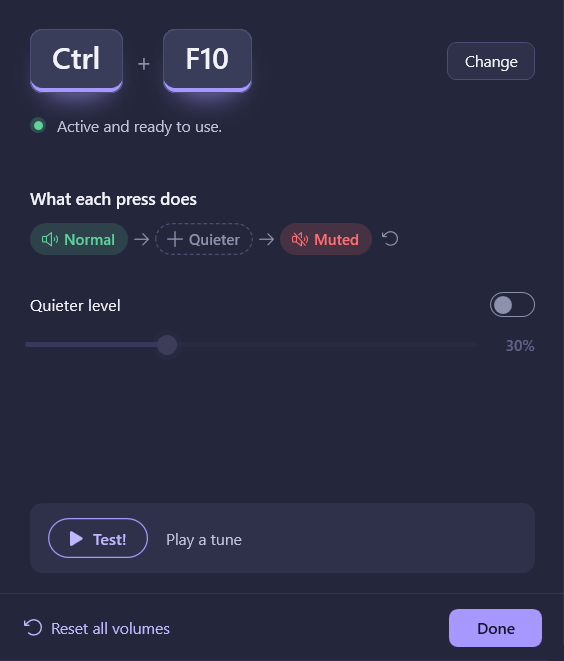
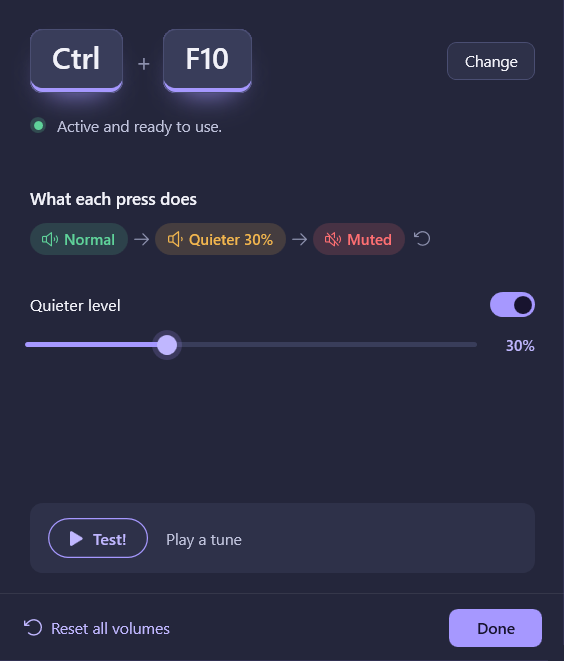
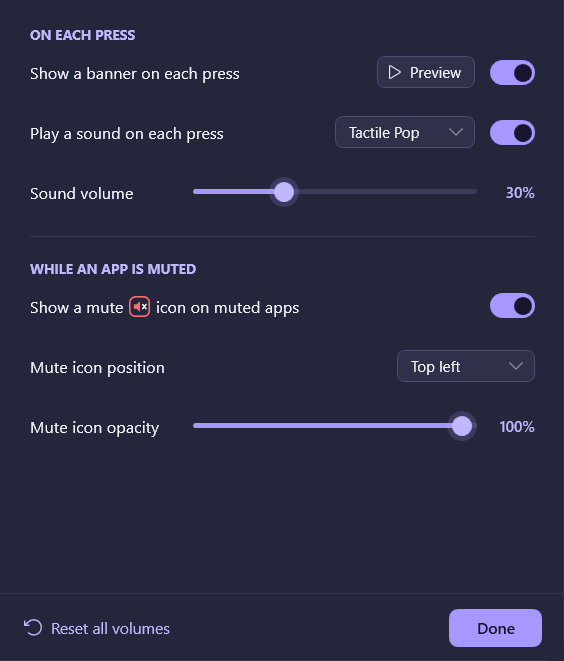
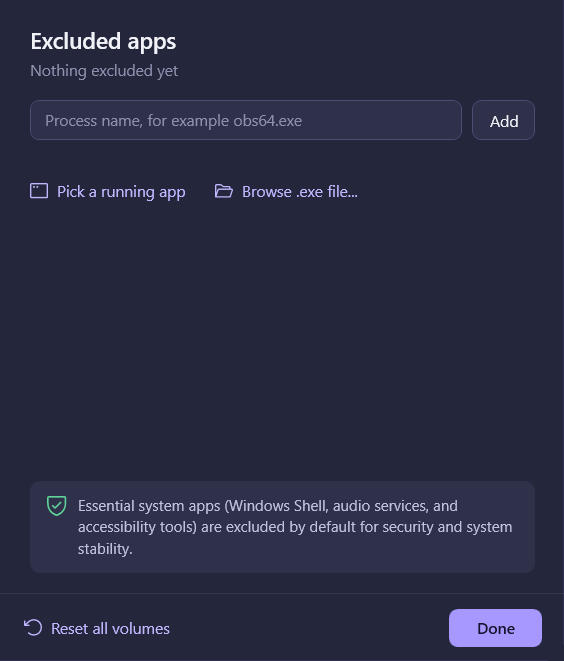
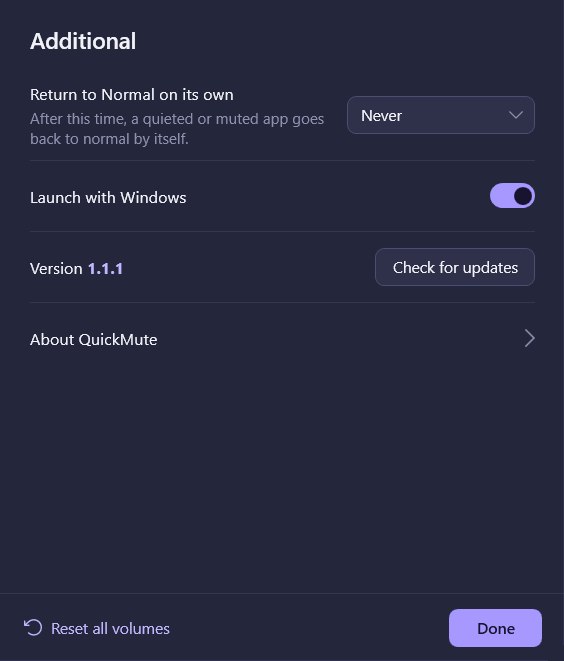
QuickMute's Settings. Click the pages on the left, or the Quieter step.
How it works
QuickMute sits in the tray. Press your shortcut and the app in front of you is muted. Press it again and the sound is back. It works with games, browsers and anything else that plays sound.
In Settings you can change the shortcut, add a Quieter step, or pick apps it should never touch.
Good to know
- It needs the free .NET 8 Desktop Runtime. If it's missing, Windows shows a download link the first time you run the installer.
- The installer isn't code-signed, so Windows may say "Windows protected your PC". Click More info, then Run anyway.
- No telemetry. QuickMute only goes online for updates.
- It changes volume only through Windows' own audio controls. It doesn't inject code, hook anything or read memory, and it doesn't open other programs' processes.
- In exclusive fullscreen games the mute icon can't be shown, but the shortcut still mutes and unmutes as usual.
Check the download
SHA-256
Loading…
PowerShell
Get-FileHash "$HOME\Downloads\QuickMuteSetup.exe" -Algorithm SHA256
Changelog
Loading the changelog…